

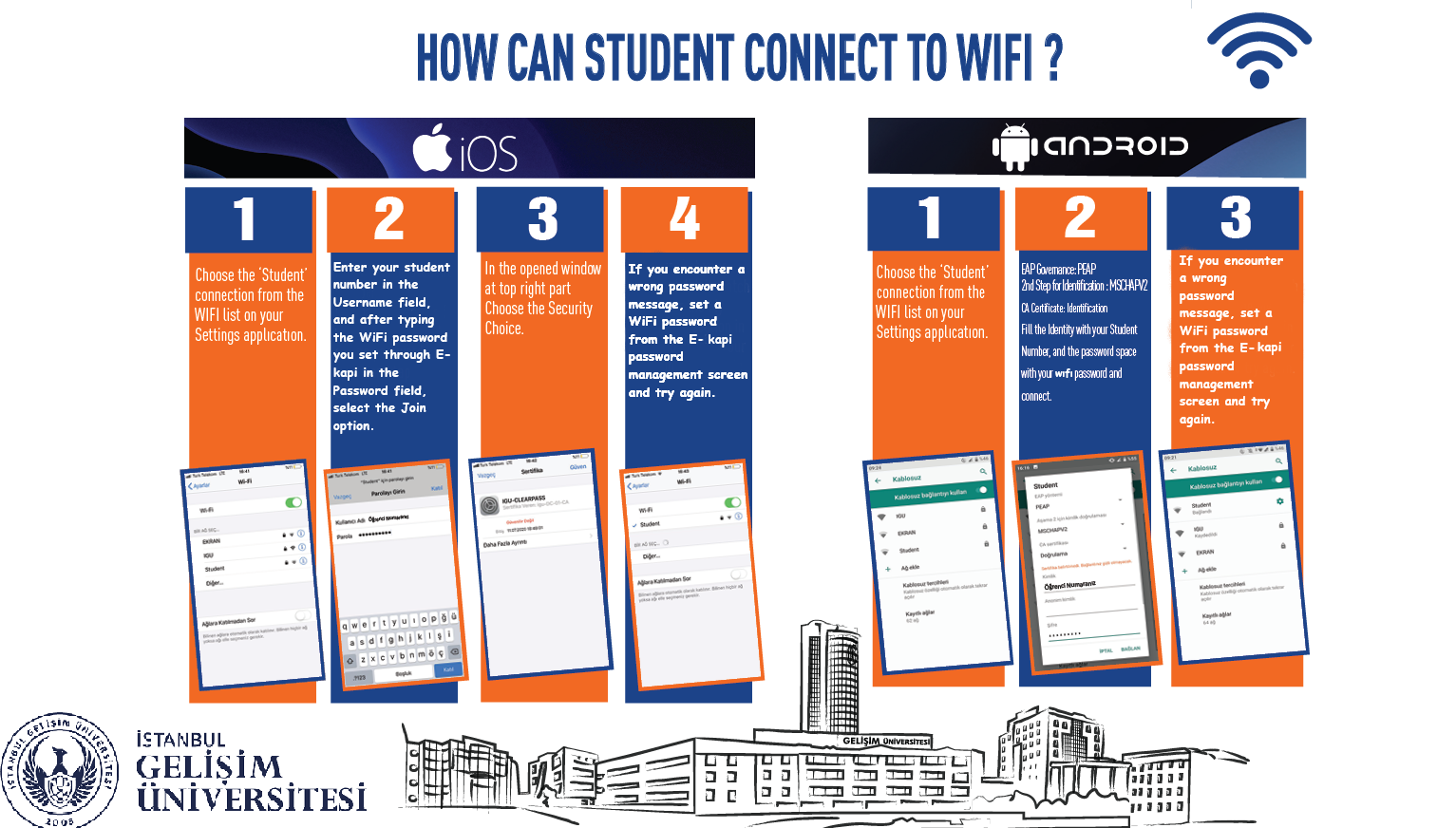
You can use the eduroam network for secure and fast internet access within the Istanbul Gelisim University campus. Please follow the steps below to connect your device.
Go to the following menu on your mobile device or computer:
Settings > Wi-Fi (or Wireless Connections)
Find and select eduroam from the list of available wireless networks.
Fill in the connection form with the information below.
(On Android devices, you may need to tap "Advanced Options" to see all settings.)
| Setting | Value to Enter |
|---|---|
| EAP Method | PEAP |
| Phase 2 Authentication | MSCHAPV2 |
| CA Certificate | Do not validate / Use system certificates |
| Identity |
[youremail]@gelisim.edu.tr |
| Anonymous Identity | (Leave this field BLANK) |
| Password | Enter your corporate computer login password. |
After entering the information, tap the Connect button. Once your device receives an IP address, you can access the internet.
If you are unable to connect: